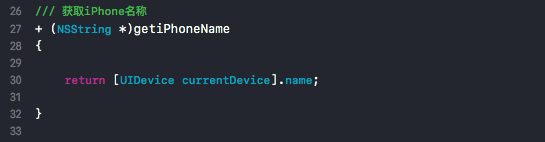
1、获取iPhone名称:
[UIDevice currentDevice].name;
2、获取app版本号:
[[[NSBundle mainBundle] infoDictionary] objectForKey:@"CFBundleShortVersionString"]

3、获取电池电量:
[UIDevice currentDevice].batteryLevel;

4、获取当前系统名称:
[UIDevice currentDevice].systemName;

5、获取当前系统版本号:
[UIDevice currentDevice].systemVersion;

6、获取UUID:
[[UIDevice currentDevice] identifierForVendor].UUIDString;

7、获取总内存大小:
[NSProcessInfo processInfo].physicalMemory;

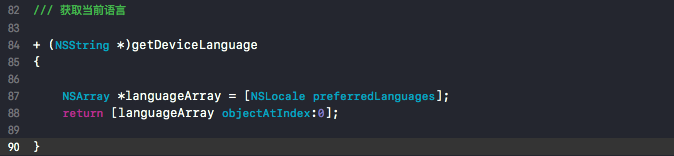
8、获取当前语言:
NSArray *languageArray = [NSLocale preferredLanguages];
[languageArray objectAtIndex:0]