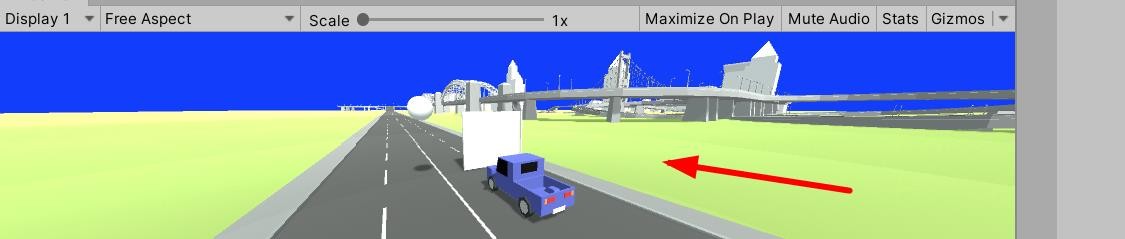
1、在【unity】中先看到游戏面板是这样的
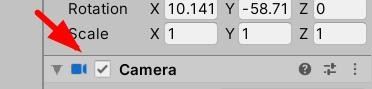
2、这时候选中摄像头在右侧单击【属性】
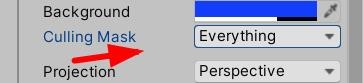
3、我们就可以看到【culling mask】消隐遮罩是【everything】
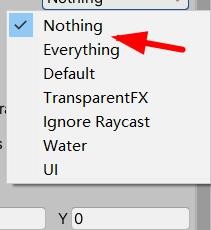
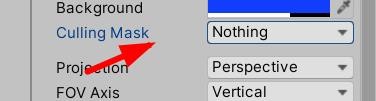
4、这时候我们下拉看到【nothing】
5、这时候我们的【属性】就修改了
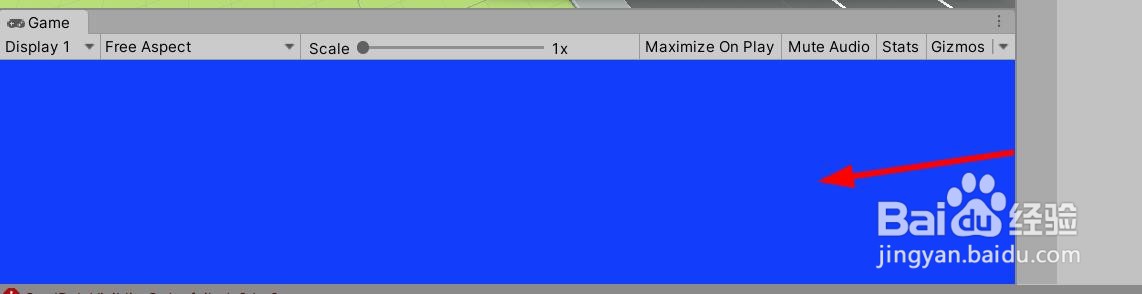
6、我们再看看游戏面板的效果如下图
时间:2026-04-24 10:29:25
1、在【unity】中先看到游戏面板是这样的
2、这时候选中摄像头在右侧单击【属性】
3、我们就可以看到【culling mask】消隐遮罩是【everything】
4、这时候我们下拉看到【nothing】
5、这时候我们的【属性】就修改了
6、我们再看看游戏面板的效果如下图
