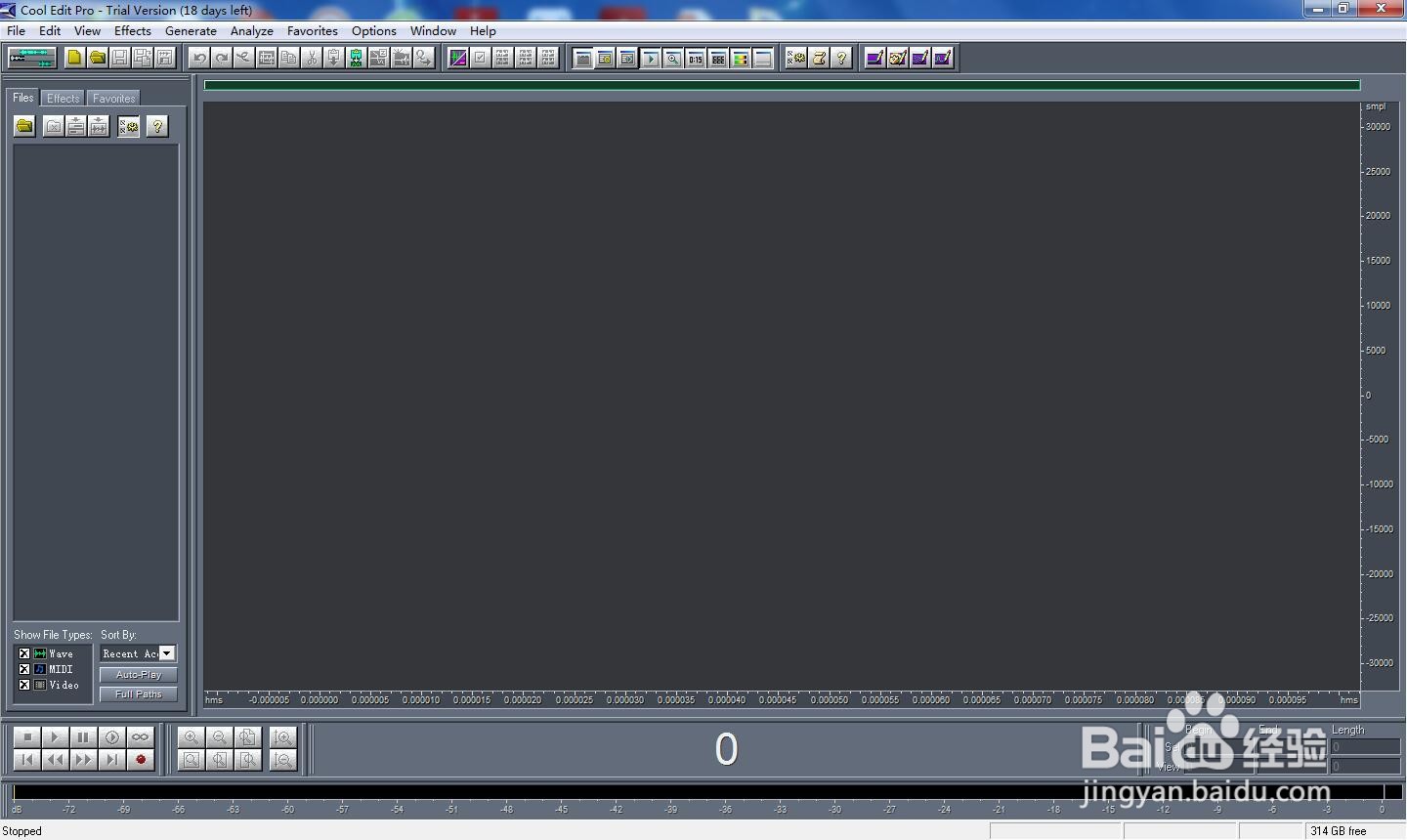
1、打开cool edit pro,进入其主界面;
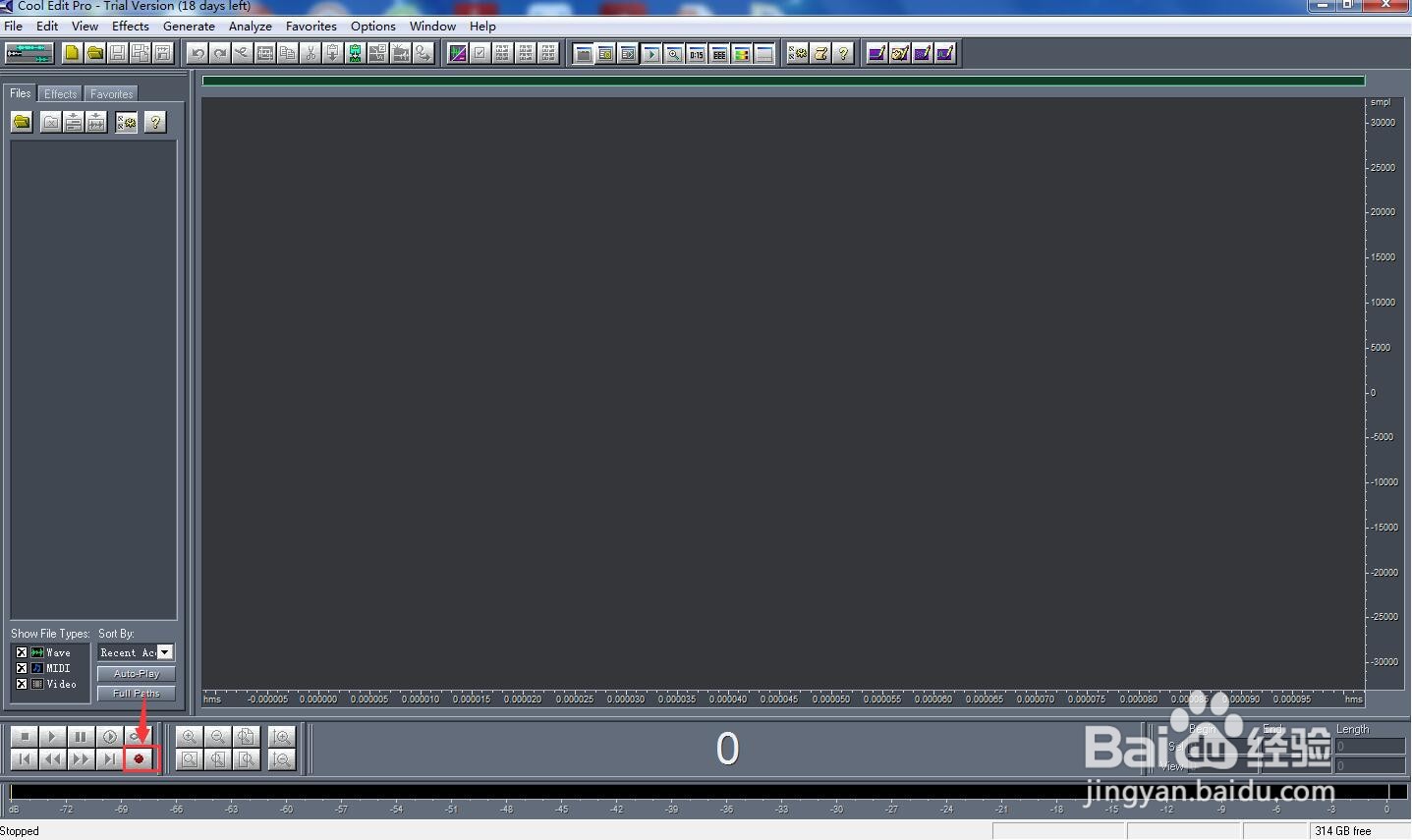
2、点击录音按钮;
3、将采样率设为44100HZ;

4、开始对着麦克风朗读需要的配音,朗读完毕,再次点击录音按钮;
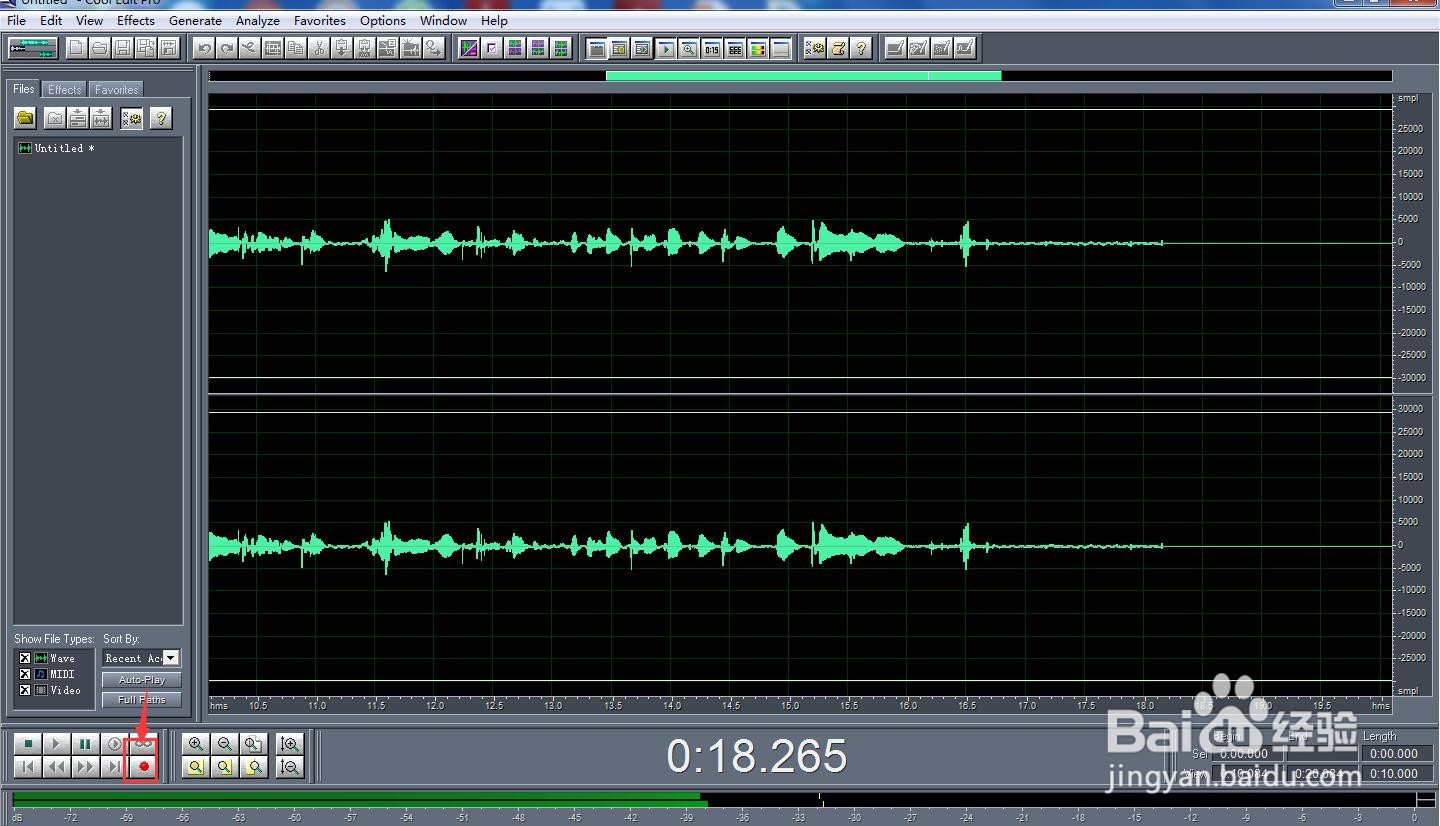
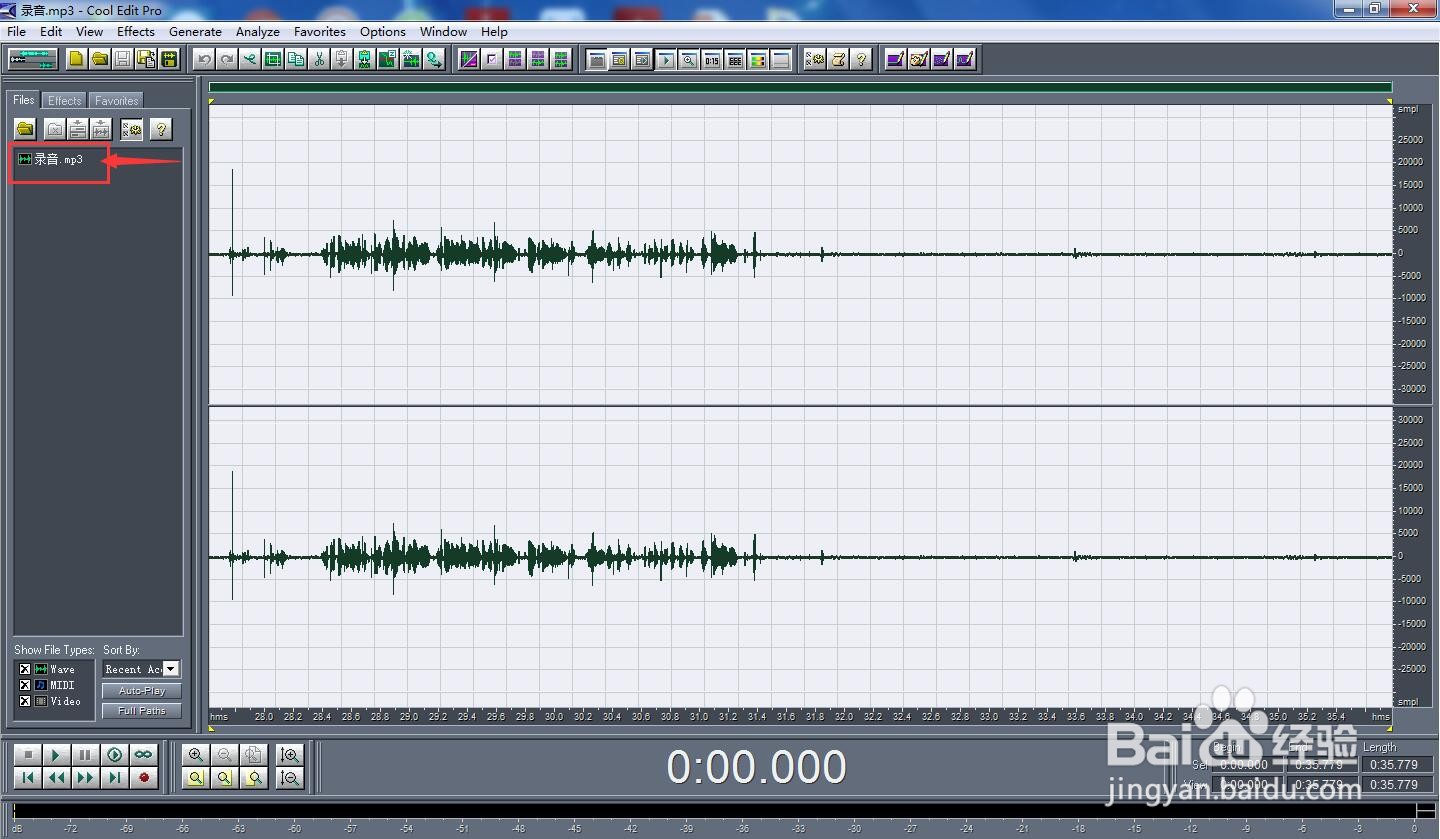
5、获得了一段录制的音频;
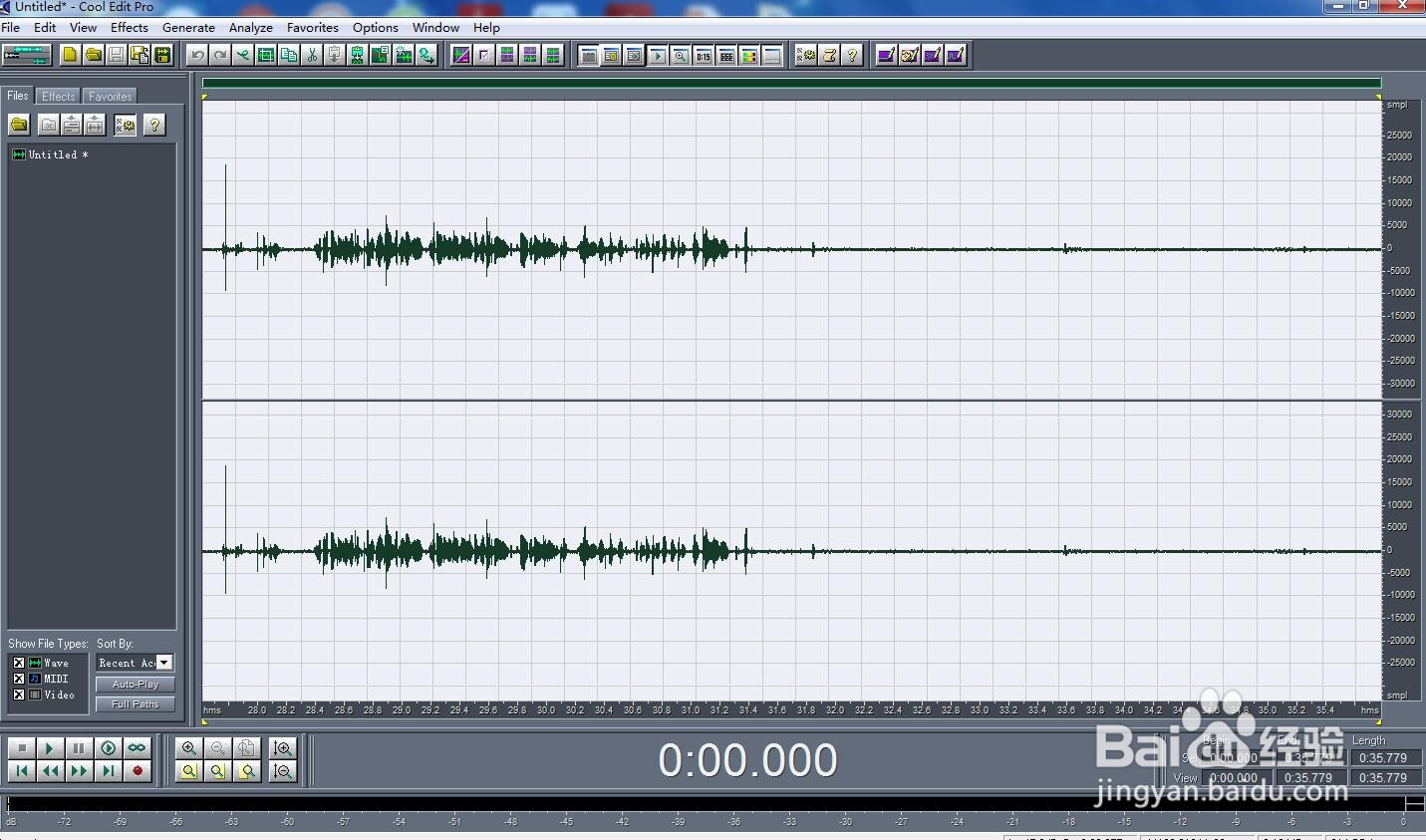
6、点击文件,选择另存为;

7、找到需要保存的路径后,取个名字,如录音按保存;

8、我们就在cool edit pro中录制好了需要的声音。
时间:2026-04-22 07:36:05
1、打开cool edit pro,进入其主界面;
2、点击录音按钮;
3、将采样率设为44100HZ;
4、开始对着麦克风朗读需要的配音,朗读完毕,再次点击录音按钮;
5、获得了一段录制的音频;
6、点击文件,选择另存为;
7、找到需要保存的路径后,取个名字,如录音按保存;
8、我们就在cool edit pro中录制好了需要的声音。
