VSCode运行flutter时检测不到iOS模拟器

 时间:2024-11-18 00:50:51

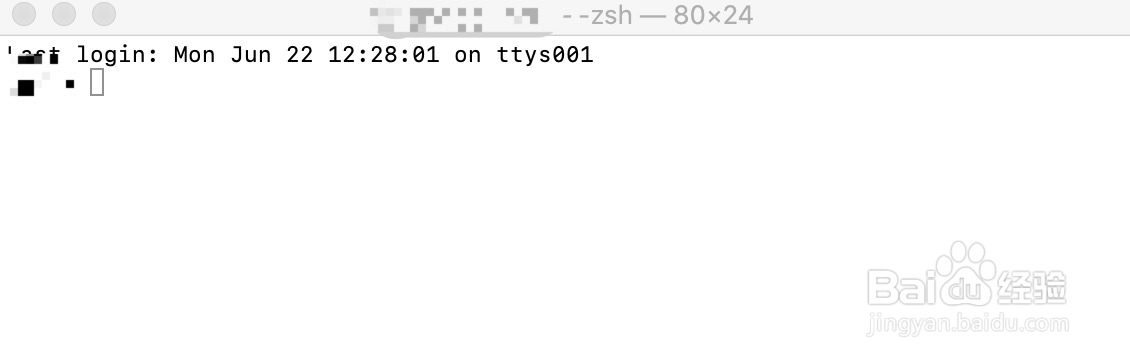
1、首先,我们到应用程序->其他中找到终端并打开
VSCode运行flutter时检测不到iOS模拟器

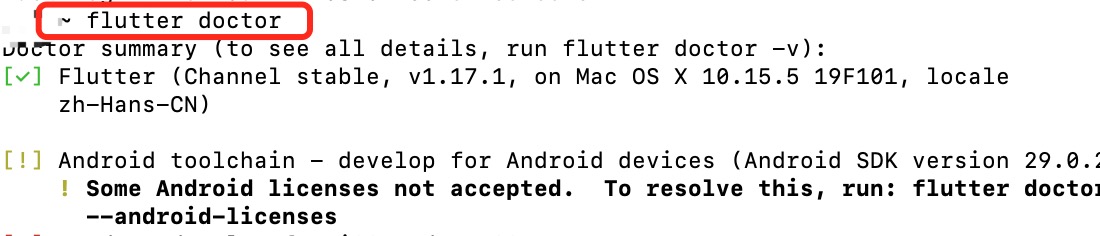
2、在终端输入 flutter doctor,回车,等待命令执行完成

VSCode运行flutter时检测不到iOS模拟器

3、输入命令:sudo xcode-select --switch /Applications/Xcode.app/Contents/Developer,回车后接着输入密码

VSCode运行flutter时检测不到iOS模拟器

4、输入命令:sudo xcodebuild -runFirstLaunch

VSCode运行flutter时检测不到iOS模拟器

5、安装cocoapods,输入命令:sudo gem install cocoapods

VSCode运行flutter时检测不到iOS模拟器

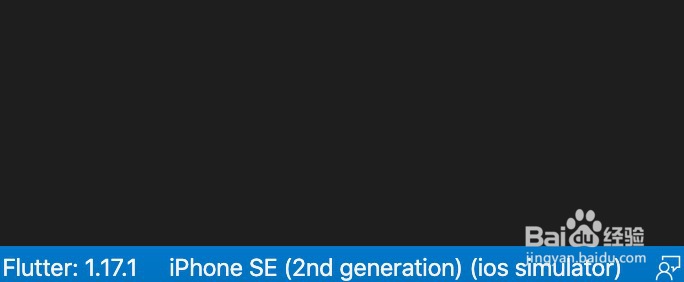
6、执行完后,打开iOS模拟器,在VSCode中就可以显示了

VSCode运行flutter时检测不到iOS模拟器
  • vscode flutter 如何真机调试
  • Flutter打包iOS白屏怎么处理?
  • Android studio(Windows系统)安装flutter
  • flutter项目使用svg图标
  • vscode怎么编译运行
  • 热门搜索
    石花洞景区 孕妇可以吃无花果 浙江旅游职业技术学院 旅游电子商务 牛首山风景区 怎么换qq密码 穹窿山景区 加速球怎么弄出来 即墨旅游景点大全 维生素e可以直接涂在脸上吗