Windows11 开启夜间模式

 时间:2025-01-09 12:58:26

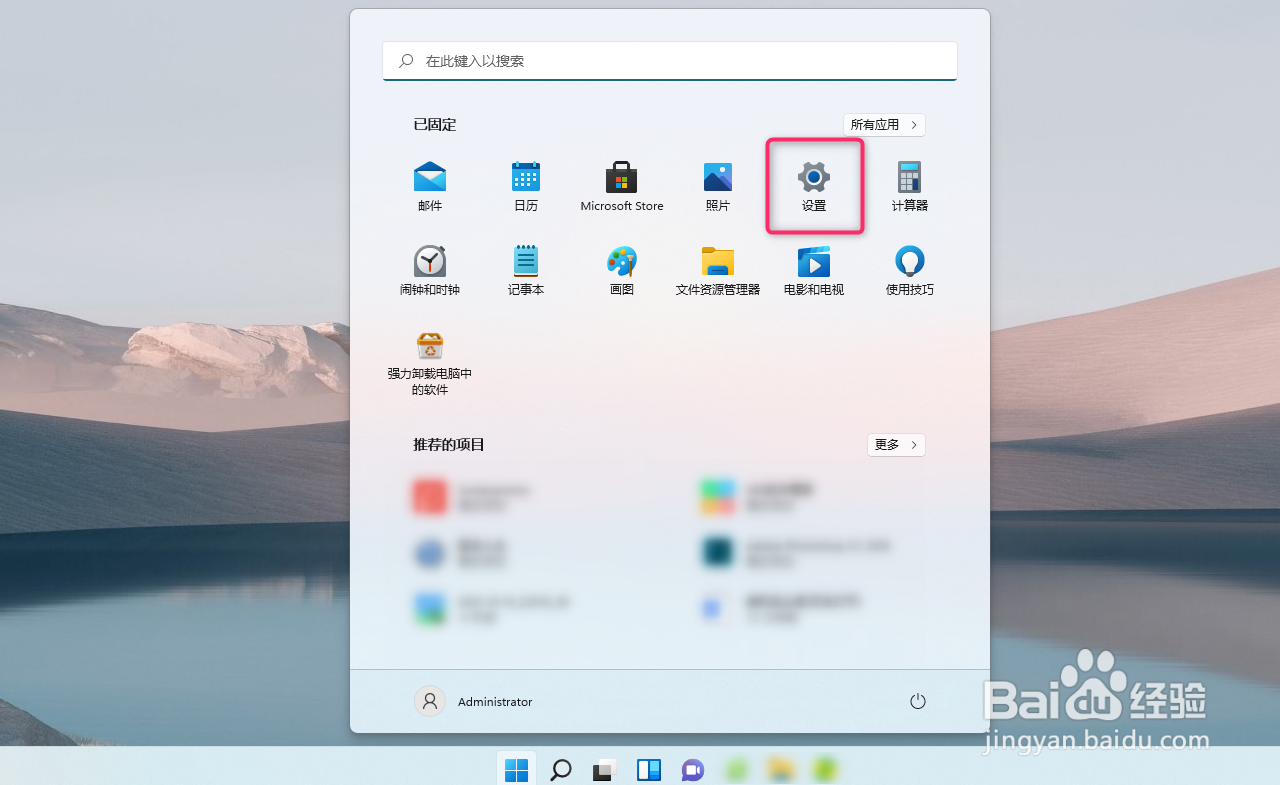
1、1开启设置面板,如图所示

Windows11 开启夜间模式

2、2选择系统,如图所示

Windows11 开启夜间模式

3、3选择显示,如图所示

Windows11 开启夜间模式

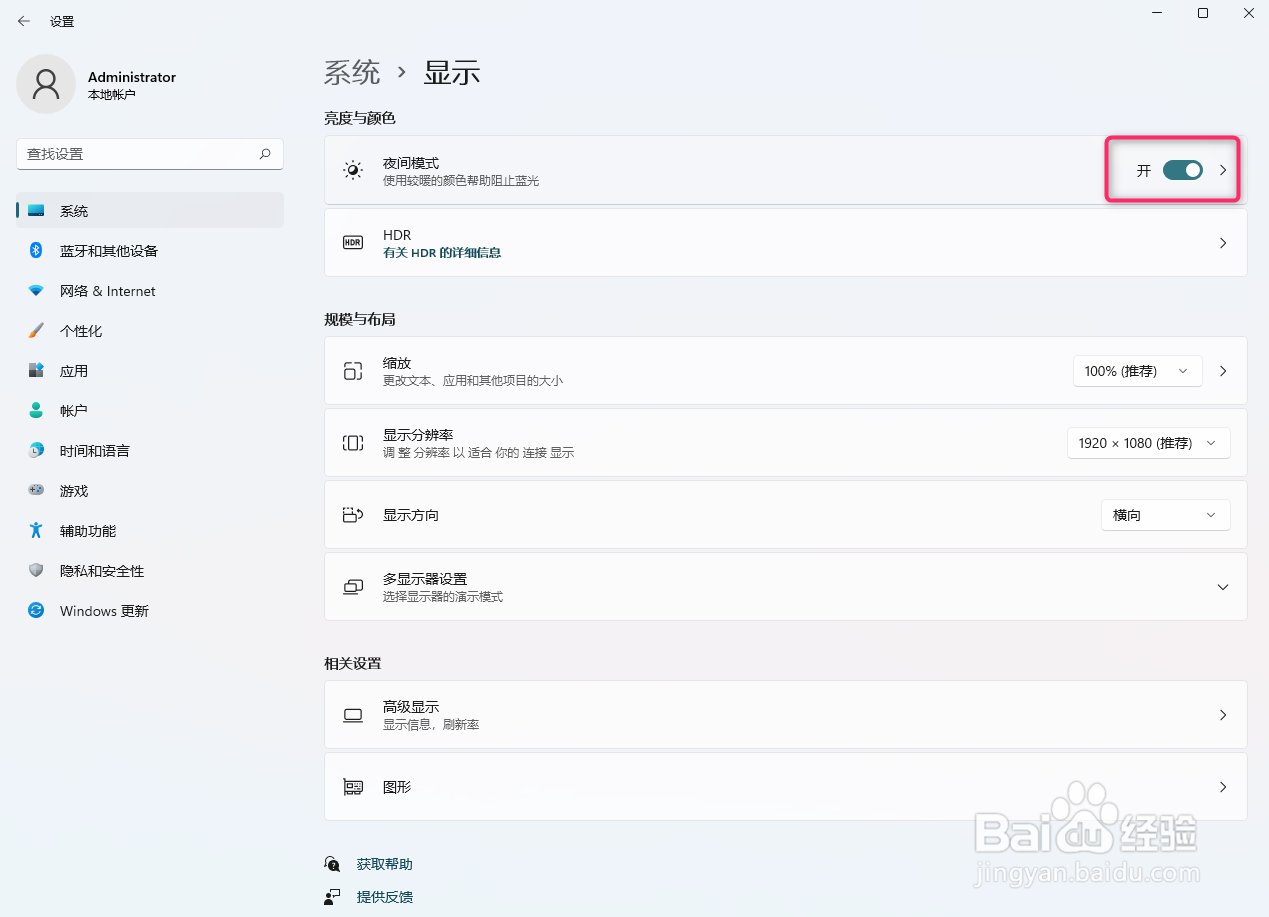
4、4选择夜间模式,如图所示

Windows11 开启夜间模式

5、5开启夜间模式,如图所示

Windows11 开启夜间模式

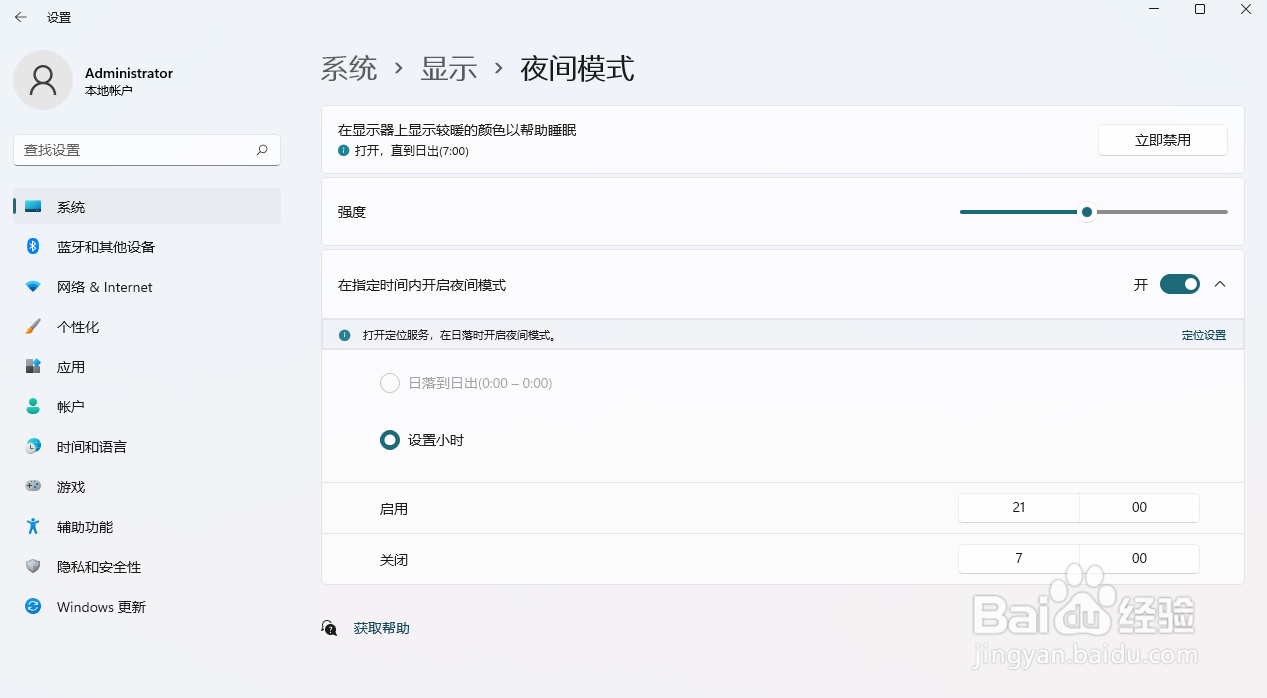
6、6指定时间内,开启夜间模式

Windows11 开启夜间模式
  • win10如何设置鼠标移动速度?
  • win10 怎么添加美式键盘布局
  • 如何安装电脑管家
  • 如何使用360流量防火墙加速网络运行速度
  • Bandicam如何设置启动后最小化到系统托盘
  • 热门搜索
    内双怎么画眼线 技术路线图怎么画 手机中病毒怎么办 咸鸭腿怎么做好吃 借款条怎么写 肝火旺盛怎么办 鲜花怎么养时间比较久 strong怎么读 烧纸怎么写 优胜教育怎么样