1、打开ID软件 ,新建文档。
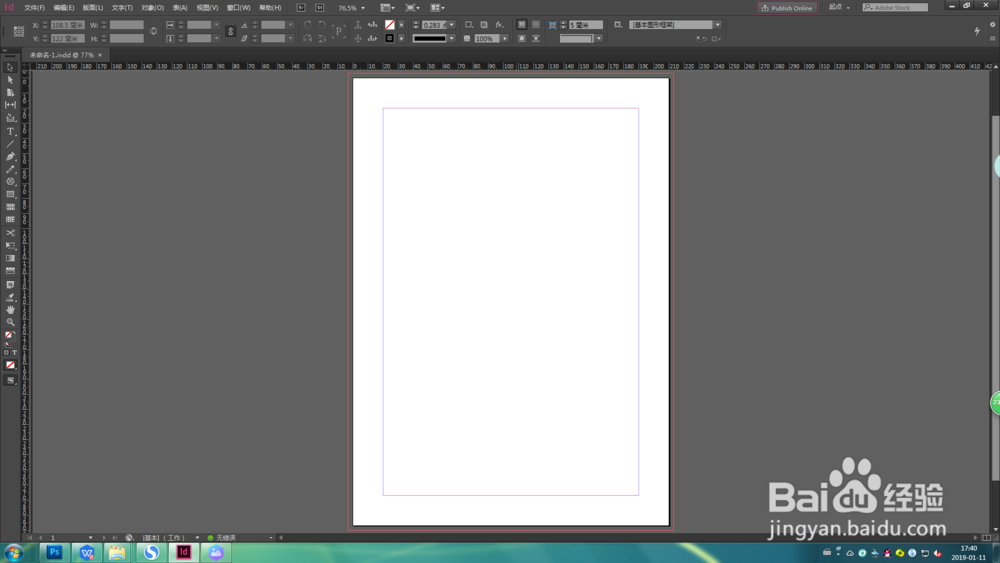
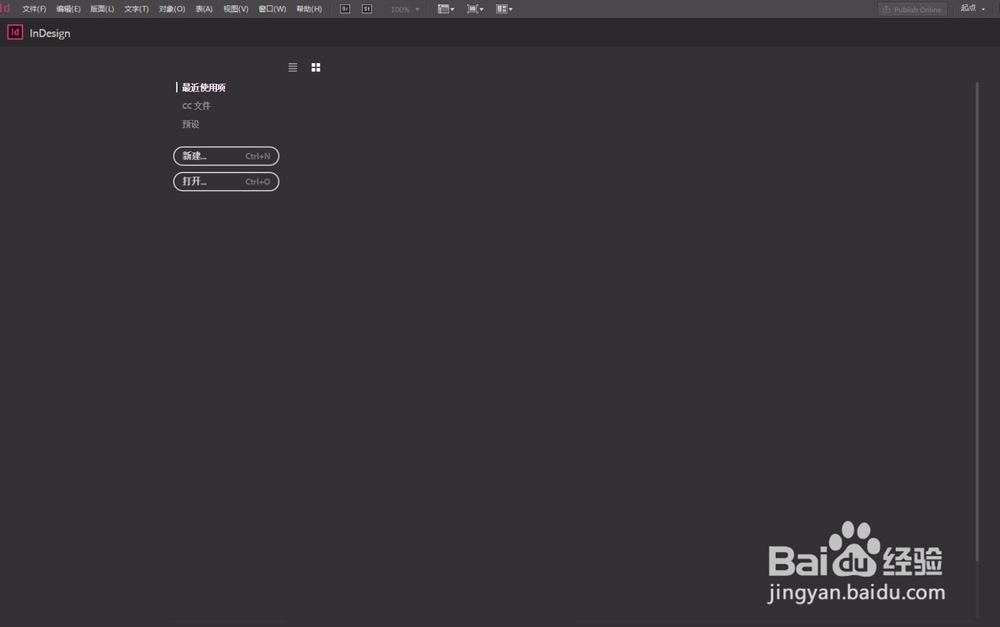
2、点击右上角,选择“高级”选项。
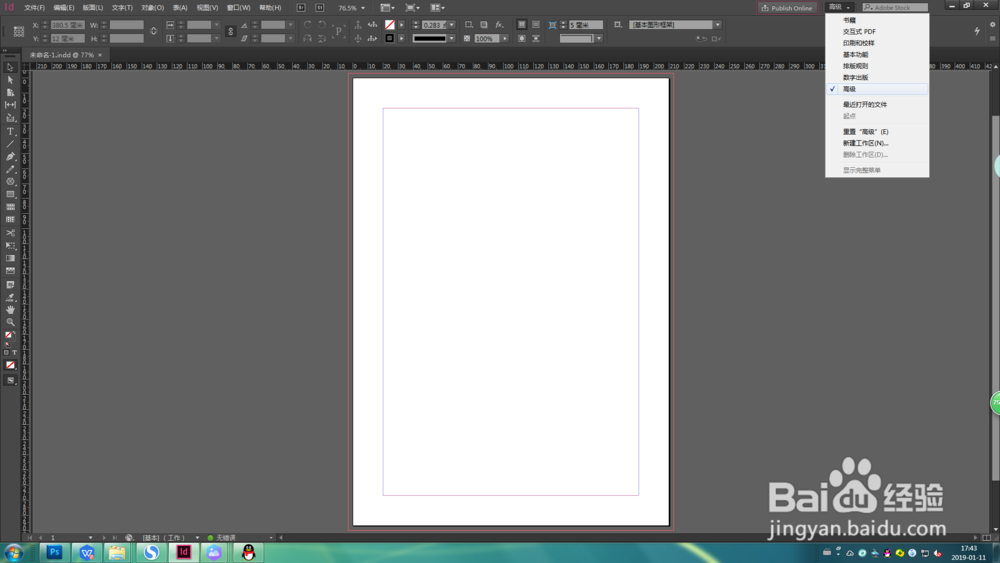
3、此为选定“高级”选项后的排版。
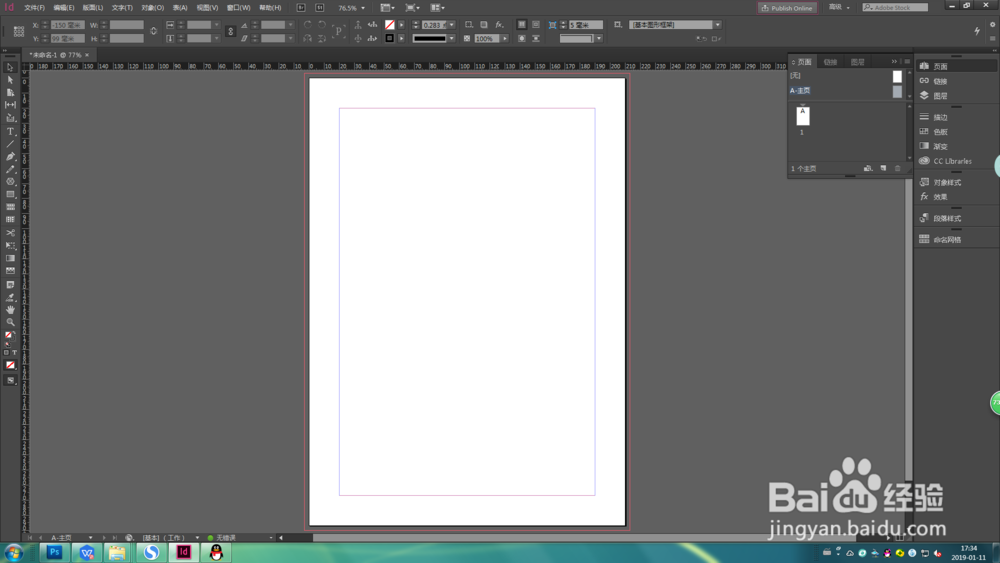
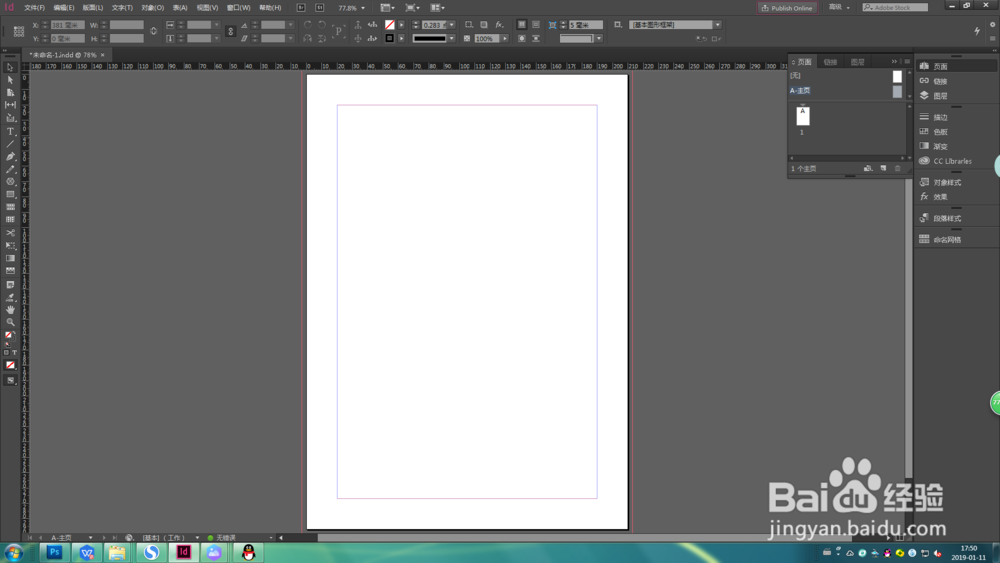
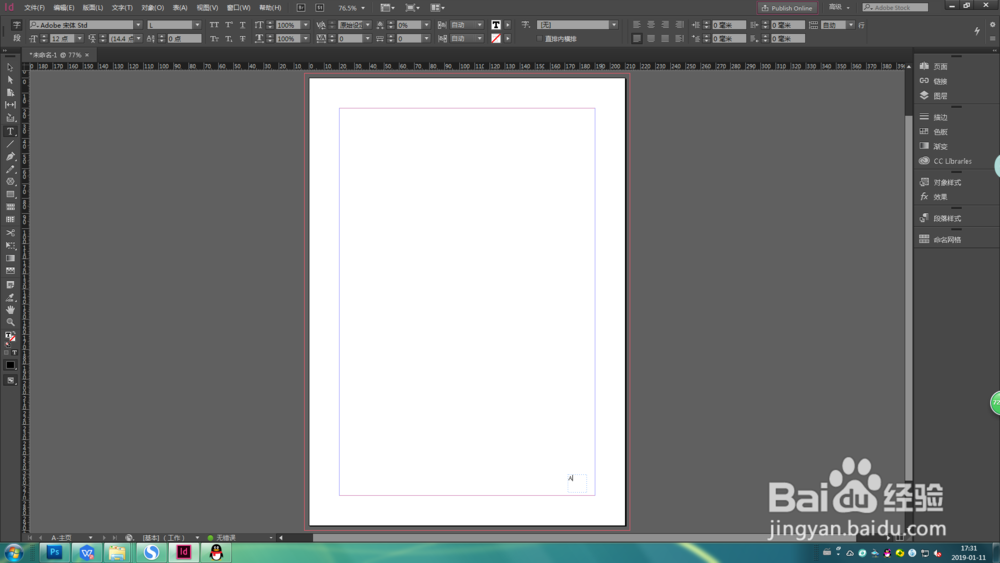
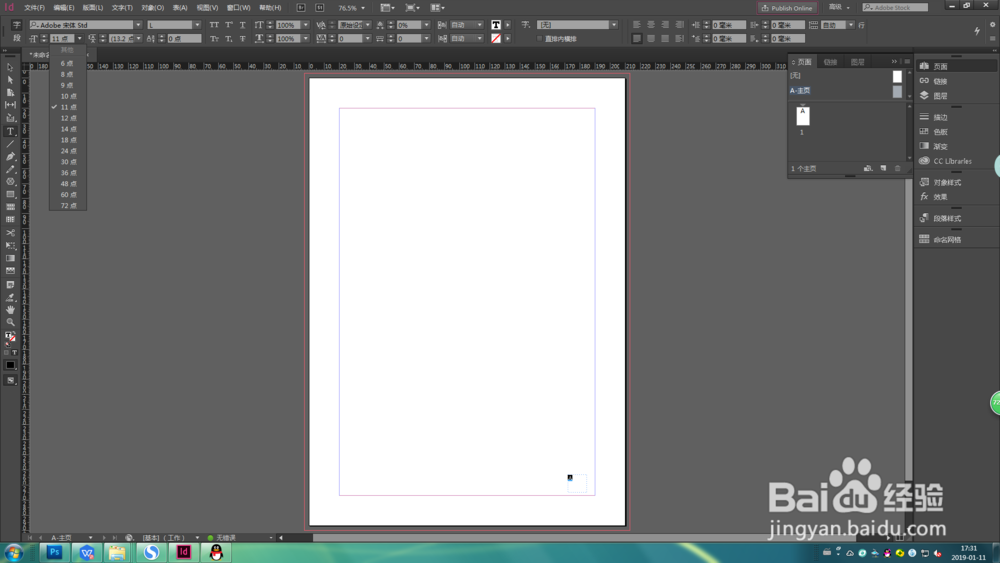
1、选中右侧工具栏选择页面—A主页,左侧工具栏选择文字工具,并画文字框。
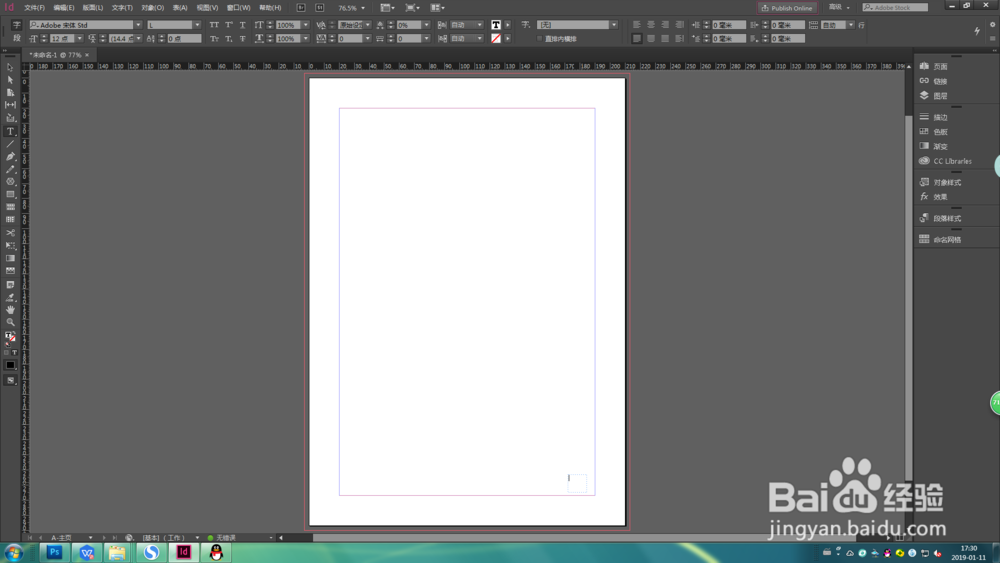
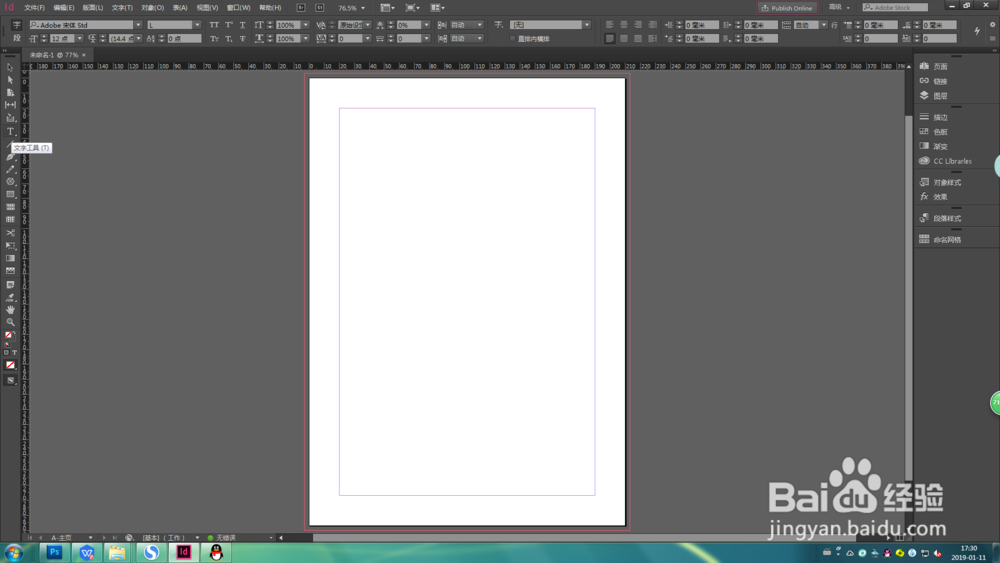
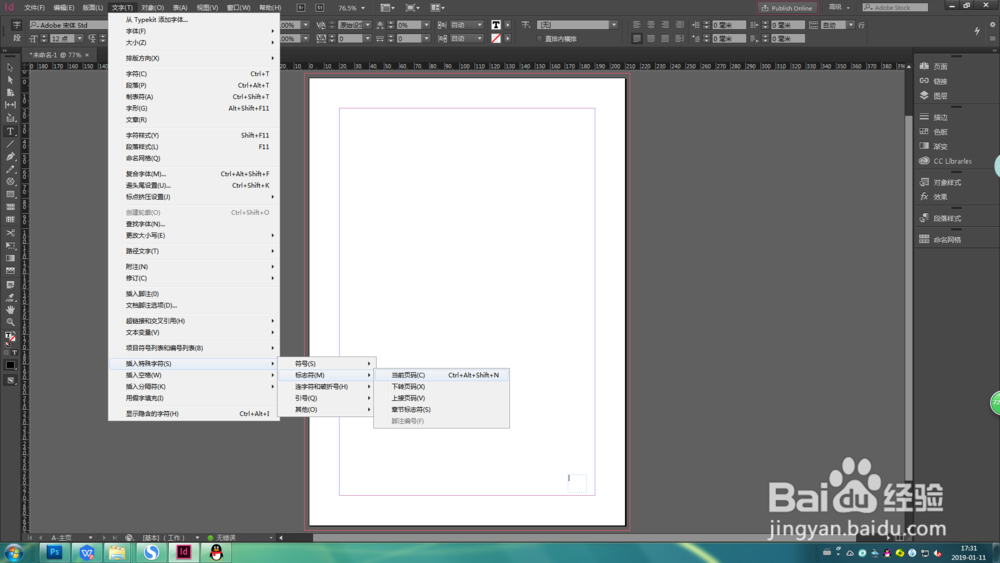
2、选上方工具栏,文字—插入特殊字符—标志码—当前页码,文本框内出现字母A,左上角可调整字符大小。
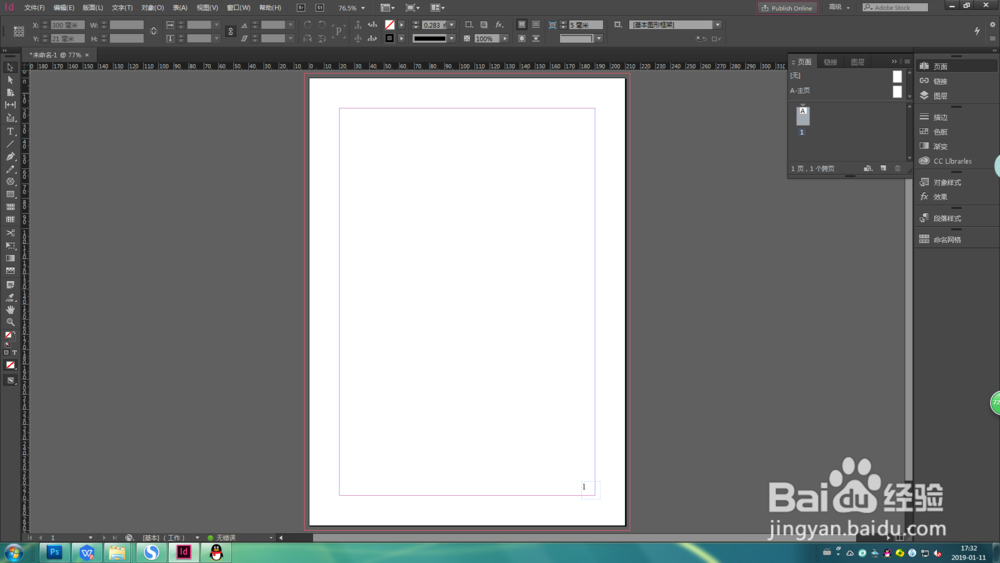
3、返回跨页,文本框出现页码1 。
时间:2026-04-29 11:00:16
1、打开ID软件 ,新建文档。
2、点击右上角,选择“高级”选项。
3、此为选定“高级”选项后的排版。
1、选中右侧工具栏选择页面—A主页,左侧工具栏选择文字工具,并画文字框。
2、选上方工具栏,文字—插入特殊字符—标志码—当前页码,文本框内出现字母A,左上角可调整字符大小。
3、返回跨页,文本框出现页码1 。
